How to Understand Your Patient Portal: A Plain-Language Guide

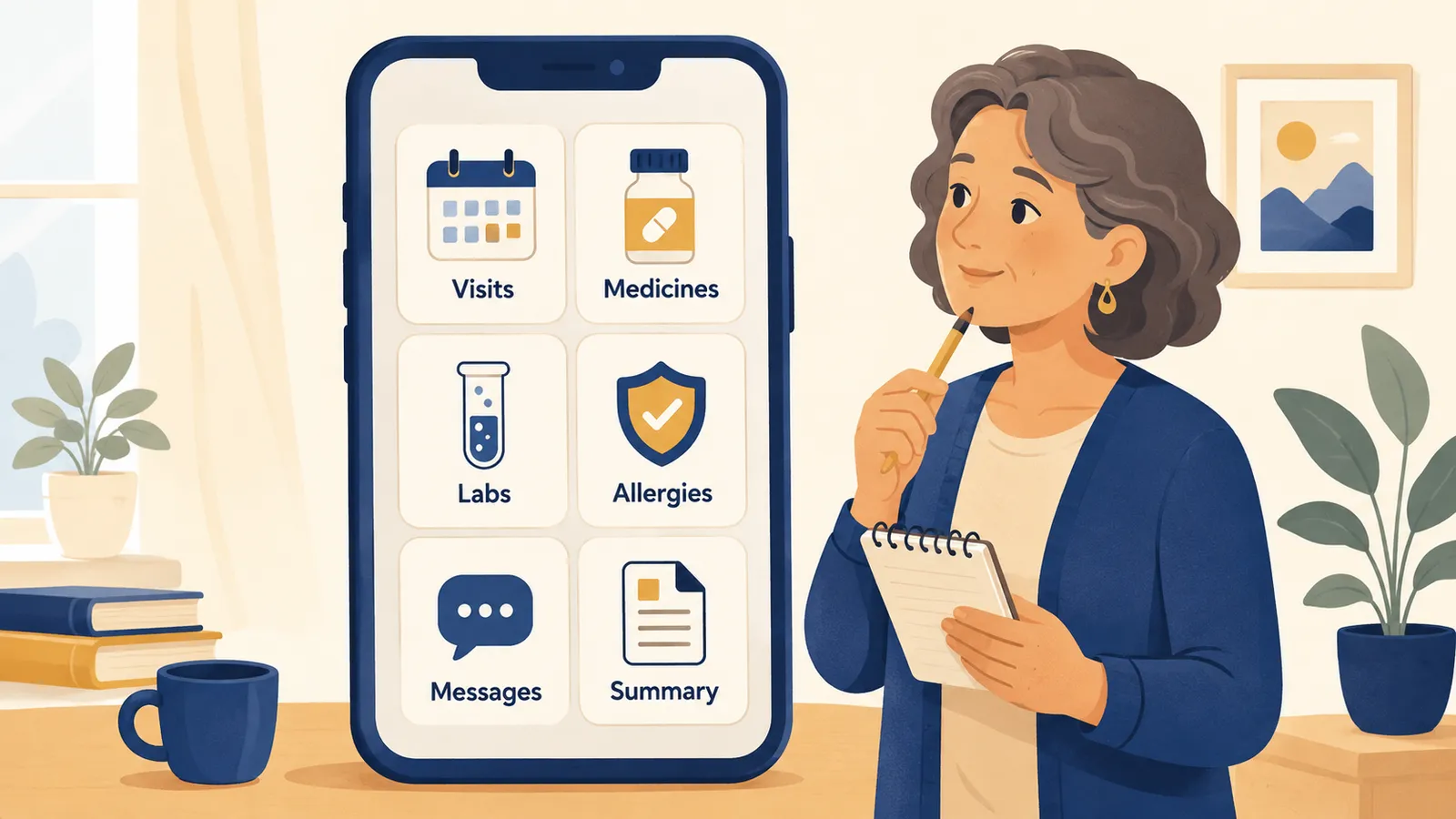
In short: A patient portal is a secure website or app from your doctor's office. It shows your health information, like your visits, medicines, allergies, lab results, and messages from your care team. This guide explains each part in plain words, so you can read your record with less stress and bring better questions to your next visit.
Your portal can feel busy and full of hard words. That is normal. You do not need to understand every word today. This guide walks through the main parts, one at a time.
In this guide
- What a patient portal is
- Common patient portals you might have
- Your right to see your record
- Reading the main parts: visit notes, labs, medicines, and more
- What to do if something looks wrong
- Questions to ask your care team
- How ChartQuest helps
What is a patient portal?
A patient portal is a safe place online to see your health information. Your doctor's office gives you a login. Once you are in, you can often:
- Read notes from your visits.
- See your lab and test results.
- Look at your medicine list.
- Send and read messages with your care team.
- Ask for refills or appointments.
Different offices use different portals. Yours may look a little different from a friend's. The main ideas are the same.
Common patient portals you might have
The name of your portal depends on the system your doctor's office uses. Here are some of the most common ones in the United States:
- MyChart (made by Epic). It is used by many hospitals, health systems, and clinics. Epic says MyChart helps more than 190 million patients see their health information. Your hospital may put its own name on the login page, even when the portal runs on MyChart.
- athenaPatient (made by athenahealth). Often used by smaller and mid-size clinics. It comes as a website and a phone app.
- HealtheLife (made by Oracle Health, which used to be called Cerner). Common at large hospitals.
- healow (made by eClinicalWorks). A portal and phone app used by many clinics.
- FollowMyHealth. This one can bring records from more than one doctor or hospital into a single place. It can help if you see many different doctors or offices.
- NextGen patient portal. Used by many clinics and specialty offices.
You do not need to know which one you have to use this guide. The parts inside your portal work in a similar way.
Quick tip: if you use an iPhone, Apple Health may let you bring records from participating doctors and hospitals into one place. This can help if your care is spread across different offices.
You have the right to see your record
In the United States, you have the right to see and get a copy of your health information. If you cannot find something in your portal, ask your doctor's office how to get a copy. The office may charge a small fee for making copies.
Your portal may show results before your doctor explains them
Sometimes your portal shows a result before your doctor has talked with you about it. This can feel stressful. Try not to decide what it means by itself. Write down your questions, and ask your care team what the result means for you.
Reading the main parts of your portal
Below are the parts you will see most often. Each one has a short answer for what it is, plus what to look for.
Visit notes
What it is: A visit note is what your doctor wrote about your appointment. It may include why you came in, what they checked, and their plan.
What to look for: The reason for your visit, any new problems, and the next steps your doctor suggested. Notes can use short forms and medical words. It is a great idea to look those up or ask about them.
Diagnoses
What it is: A diagnosis is the name for a health problem your care team is tracking. You may see it called a "problem" or a "condition."
What to look for: Check that the list matches what you know about your health. Sometimes old problems stay on the list after they are gone. If something looks wrong or out of date, you can ask about it. Remember, you can ask for a correction. There is more on how to do that below.
Medication list
What it is: This is the list of medicines your record says you take. It may include the name, the dose, and how often to take it.
What to look for: Make sure it matches what you really take at home. Look for medicines you stopped, or ones that are missing. Think about medicines you buy without a prescription too, like pain relievers, vitamins, and herbal supplements. These are sometimes called over-the-counter medicines. They can change how your prescription medicines work, so tell your care team about them. A correct medicine list helps your whole care team keep you safe.
Allergies
What it is: This part lists things that have caused you a bad reaction, like a medicine, a food, or something in the air.
What to look for: Check that your known allergies are there. If you had a bad reaction to a medicine and it is not listed, tell your care team so they can add it. This helps prevent mistakes and bad reactions when you get a new medicine or have a procedure.
Lab results
What it is: A lab result is a number from a test, like blood sugar or cholesterol. Your portal often shows the result next to a normal range.
What to look for: See if your result is inside or outside the normal range. A result outside the range is not always a problem, and a result inside the range is not always the full story. Your care team can explain what your numbers mean for you. For a deeper look at ranges and flags, see our guide to reading lab results.
Imaging results
What it is: Imaging means pictures of the inside of your body, like an X-ray, an ultrasound, or a scan. The result is usually a written report from the doctor who read the pictures.
What to look for: Read the summary or "impression" at the end. That part sums up what they saw. If the words are hard, write down your questions for your care team.
After-visit summary
What it is: This is a short recap you get after an appointment. It often lists your diagnoses, any medicine changes, and what to do next.
What to look for: Use it as your to-do list. Look for new medicines, follow-up visits, and any tests you need to schedule.
Messages
What it is: Many portals let you send secure messages to your care team and read their replies.
What to look for: Keep your questions short and clear. Messages are good for non-urgent questions. They are not for emergencies. Some offices may charge for certain messages that take your care team's time, so ask your office if you are not sure.
Referrals
What it is: A referral is when your doctor sends you to another doctor, often a specialist, for more help.
What to look for: Check who you are being sent to and why. Note if you need to call to book the visit, or if the specialist's office will call you.
Next steps
What it is: These are the actions your care team wants you to take, like a follow-up visit, a new test, or a medicine change.
What to look for: Turn each next step into a small task with a date. A short list is easier to follow than a long note.
What to do if something looks wrong
Records can have mistakes. If something important looks wrong, like a wrong diagnosis, a medicine you do not take, or a missing allergy, you can ask your doctor's office how to request a correction. They may have a form or a portal message for this. Getting your record right helps keep your care safe.
How to prepare good questions for your care team
ChartQuest and this guide help you form questions to bring to your care team. They do not tell you what to ask or give you the answer. Here are examples you can make your own:
- What does this result mean for me?
- Do I need to do anything about this number?
- Is this medicine still right for me?
- Can we review my medicine list together?
- What is the next step, and when should I do it?
- Who do I call if I have a question about this?
- What should I watch for at home?
Bring your top three questions to your visit. Three is easier to remember than ten.
How ChartQuest helps
ChartQuest is a health-literacy and action app. It helps you understand your health information and plan small next steps.
- It turns your record into a plain-language "Story So Far."
- It helps you prepare questions for your care team.
- It turns next steps into small, doable tasks.
- It gives you a simple view you can show your care team.
ChartQuest helps you understand and prepare. Your care team is still the source for medical decisions.
ChartQuest is being built to help people turn health records into clear next steps. Learn how ChartQuest works.
Your privacy
ChartQuest is designed so identifying details are removed before information is sent to AI services, and only the minimum necessary context is shared. You choose what you add. You can review your privacy settings before you use your information in the app.
A quick safety note
ChartQuest and this guide help you understand and prepare. They do not replace your doctor or care team.
- They do not diagnose you.
- They do not treat you.
- They do not change your medicines.
- They do not decide what care you need.
If you think you may have a medical emergency, call 911 or your local emergency number right away.
Helpful sources
For trusted, plain-language health information, these free sources are good places to learn more:
- MedlinePlus, from the U.S. National Library of Medicine, for definitions of tests, conditions, and medicines.
- HHS, for your right to see your record and to ask for a correction.
- Apple Health Records, for bringing records together on an iPhone.
- CDC, for general health and prevention information.
- NIH, for health topics explained for the public.
About the author: Dr. Darris Mishler holds a Doctor of Healthcare Administration and has more than 15 years of experience in healthcare information technology and health data. He has served as Board Chair of Oregon's statewide health information exchange and as president of the Oregon Health Information Management Association. He founded Human Viable Labs and created ChartQuest to help people understand their health records.